Decluttering Reminders, a Full Screen Camera, and a New Look [Itemlist App Update 2.1]

![Decluttering Reminders, a Full Screen Camera, and a New Look [Itemlist App Update 2.1]](/_next/image/?url=%2Fstatic%2Fimages%2Fblog%2Fitemlist-2-1-update%2Fitemlist-2-1-app-update.jpg&w=3840&q=75&dpl=dpl_5HFLGXYqRmHvicnrc2TmxBJayAfN)
Contents·11
Itemlist 2.1 is out on the App Store. It brings decluttering reminders, a full screen camera with zoom, total values for locations and search results, and a new Liquid Glass design on iOS 26. I'm working on Itemlist full time now, and more updates are already on the way.
Here is everything new in 2.1.
Decluttering Reminders
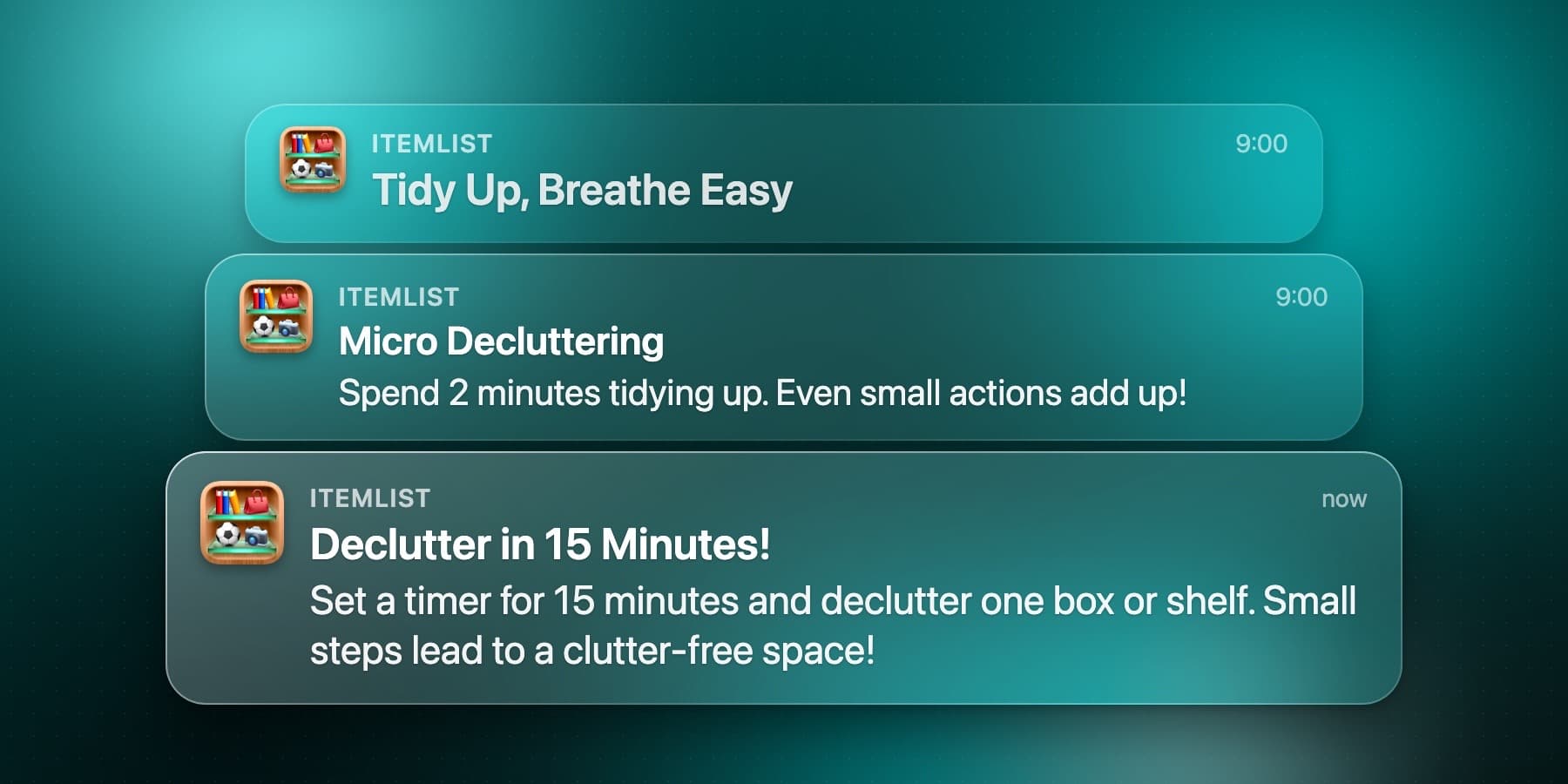
Itemlist can now send you a daily nudge to tidy one space at a time, so decluttering becomes a small daily habit instead of one big weekend project. Turn the reminders on in Settings. If you're not sure where to begin, they pair well with my decluttering checklist.
Decluttering Reminders
Full Screen Camera with Zoom
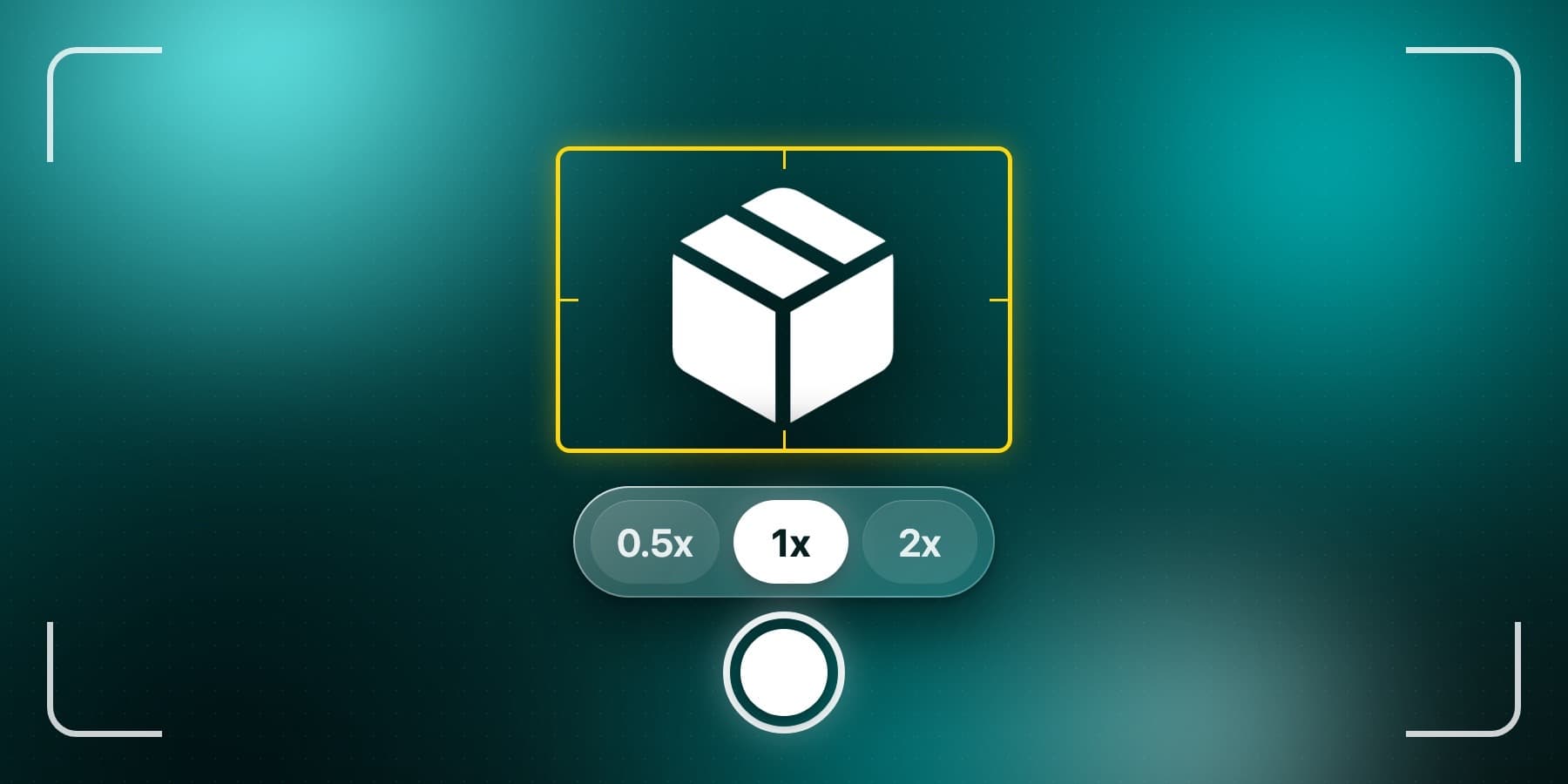
The camera preview now fills the screen, with zoom presets for framing your shot. Photos shoot in 4:3.
Full Screen Camera with Zoom
Custom Sorting for Locations and Rooms
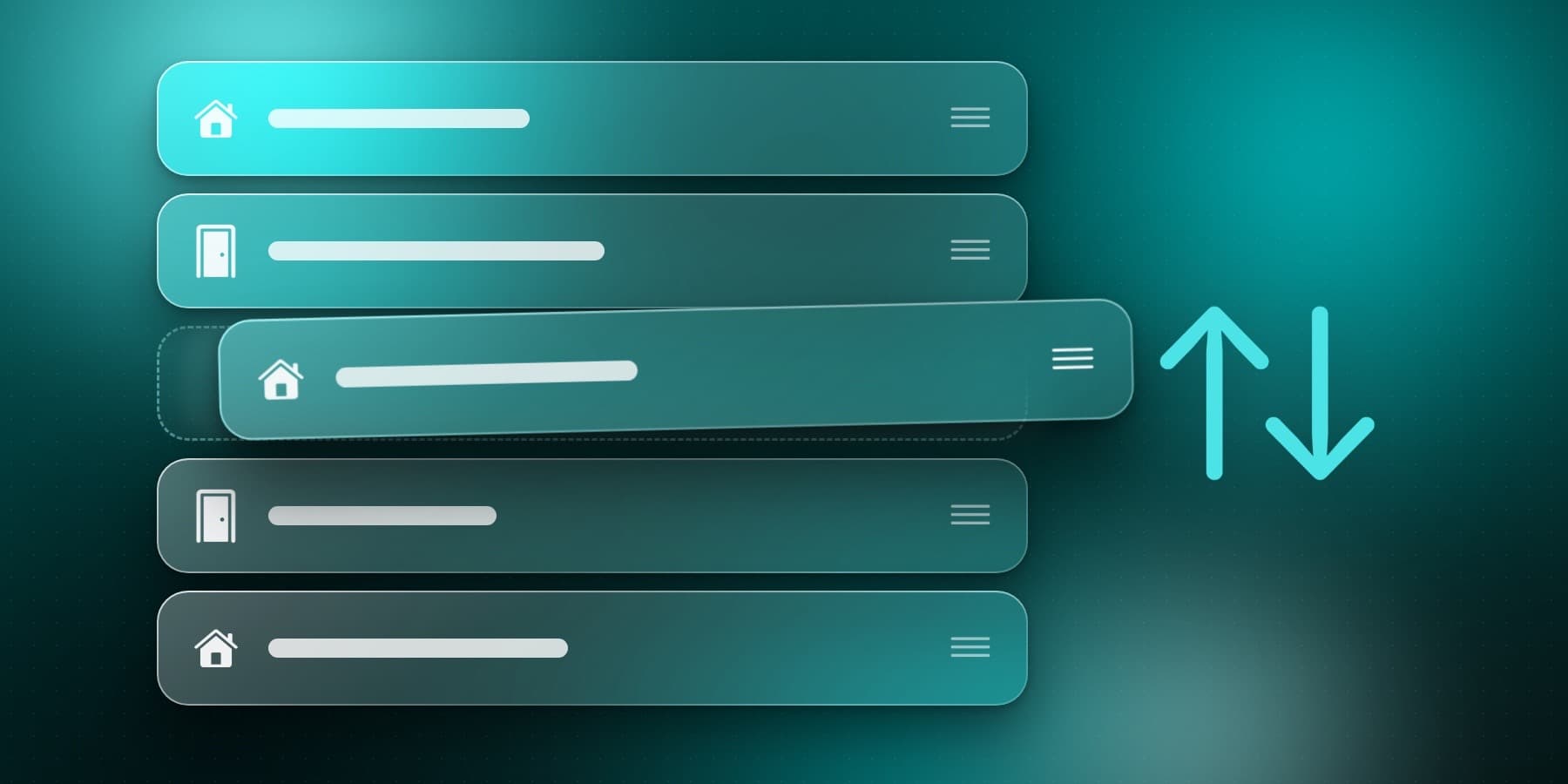
Arrange your locations and rooms in exactly the order you want.
Custom Sorting for Locations and Rooms
Total Value of Search Results and Locations
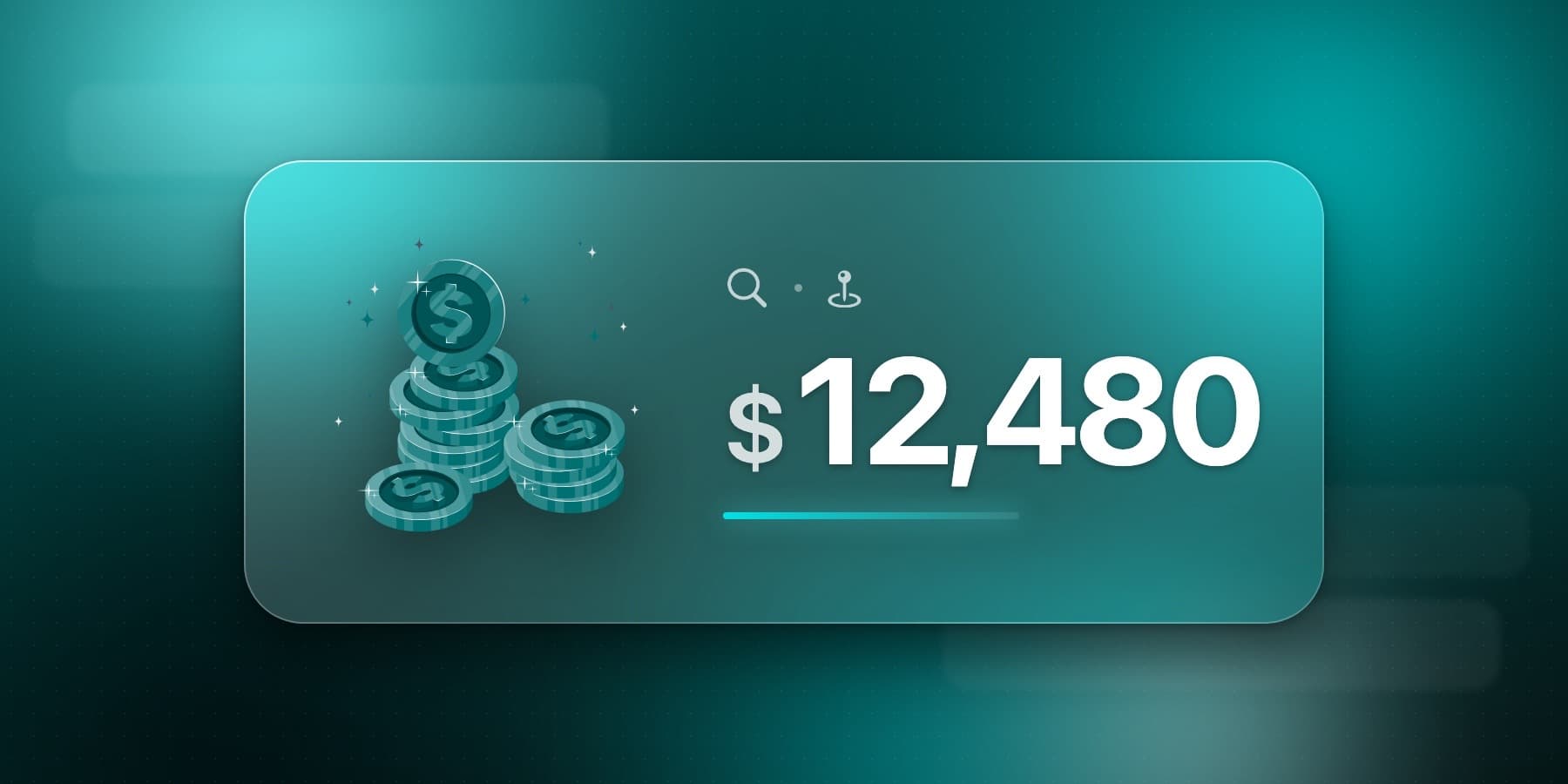
See the total value of your search results while filtering, or of a whole location from its options menu. If you keep a home inventory for insurance, this shows you in seconds what a room or a whole location is worth.
Total Value of Search Results and Locations
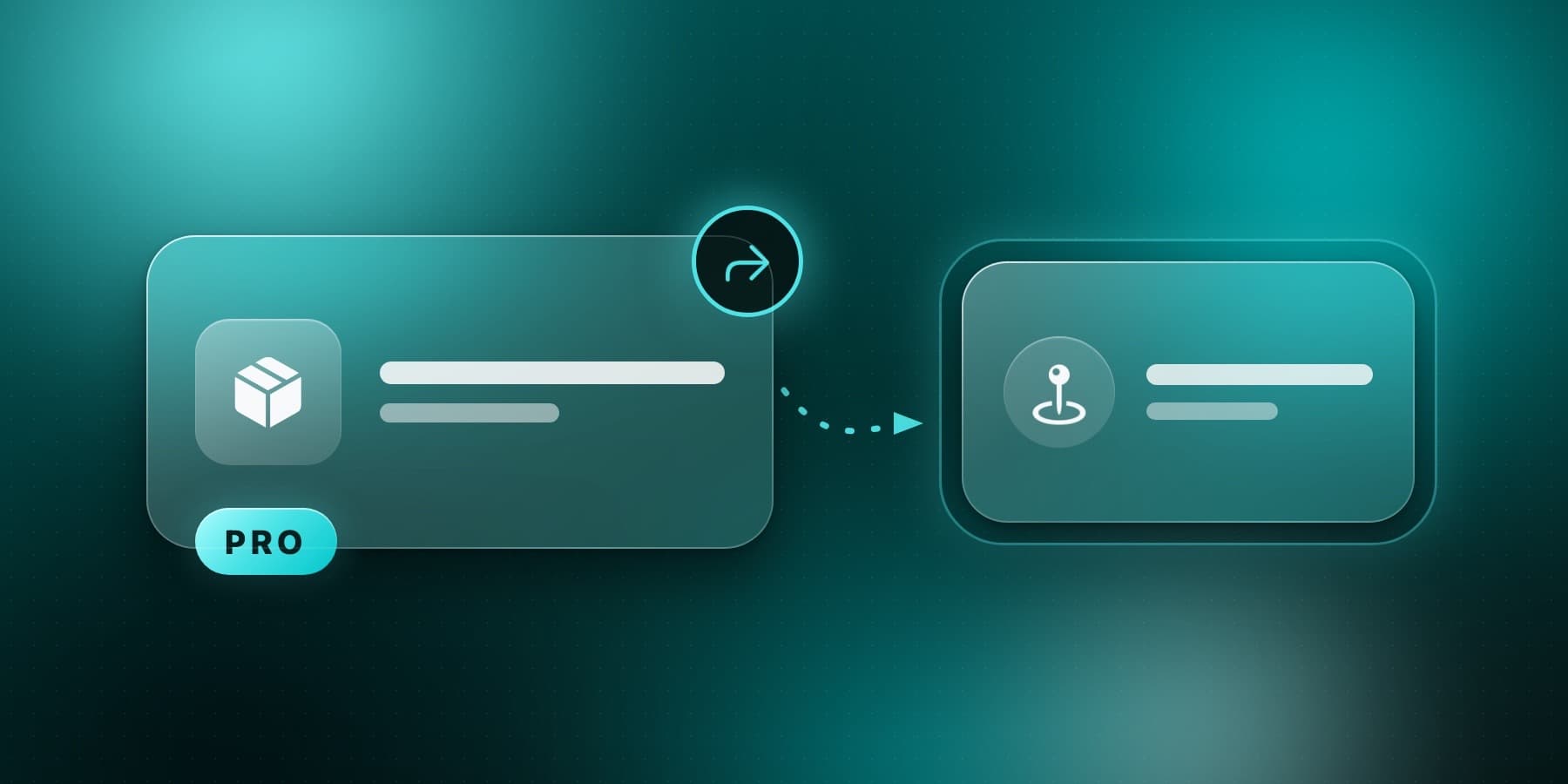
Mark Items as Displaced (PRO)
Mark an item as displaced when it lives somewhere else for a while, so you always know where it actually is.
Mark Items as Displaced
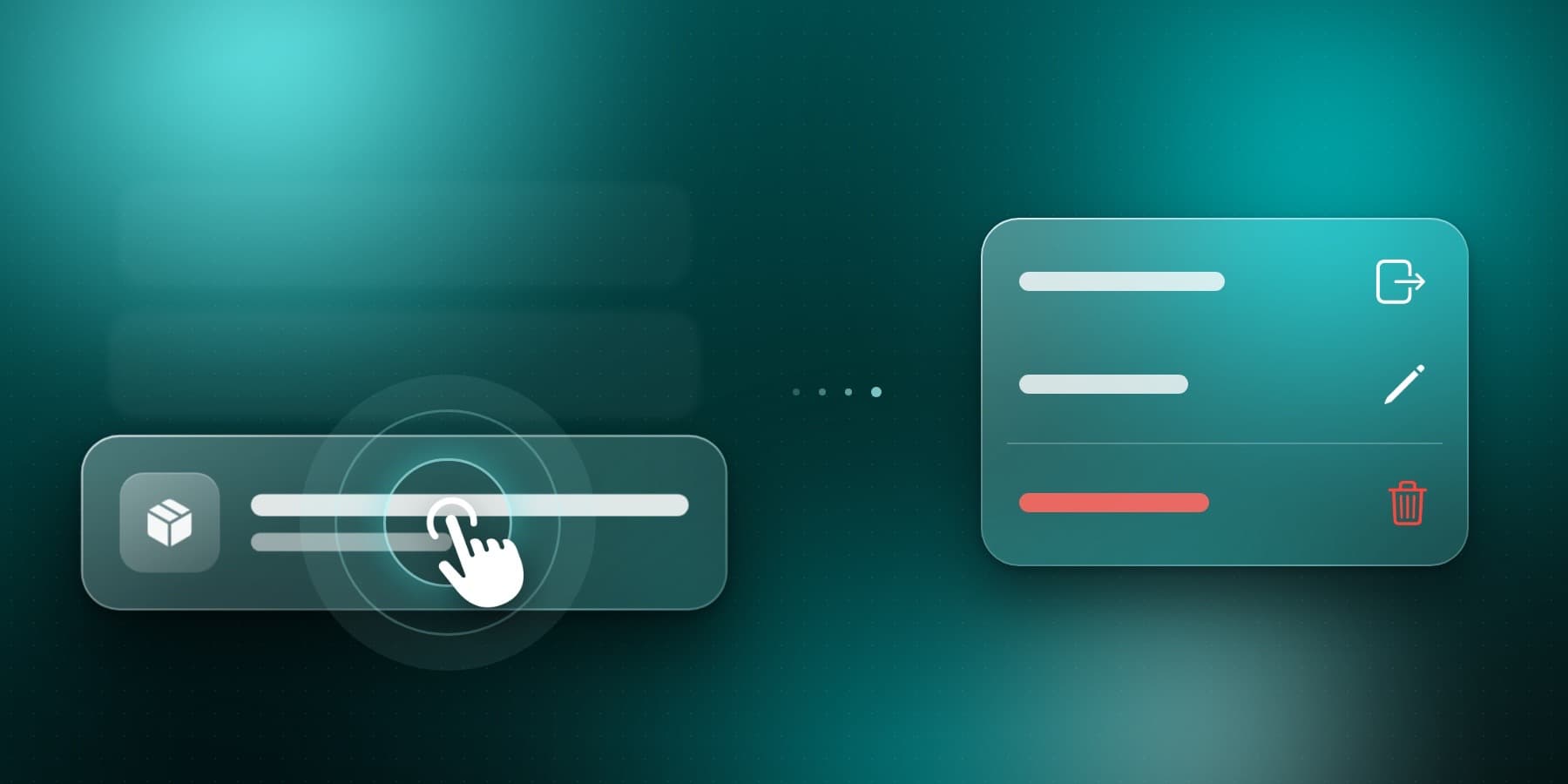
Quick Actions with Long Press
Long-press an item or container to edit it, move it, and more.
Quick Actions with Long Press
Alternative App Icons
Choose a new icon for Itemlist on iPhone and iPad.

Alternative App Icons
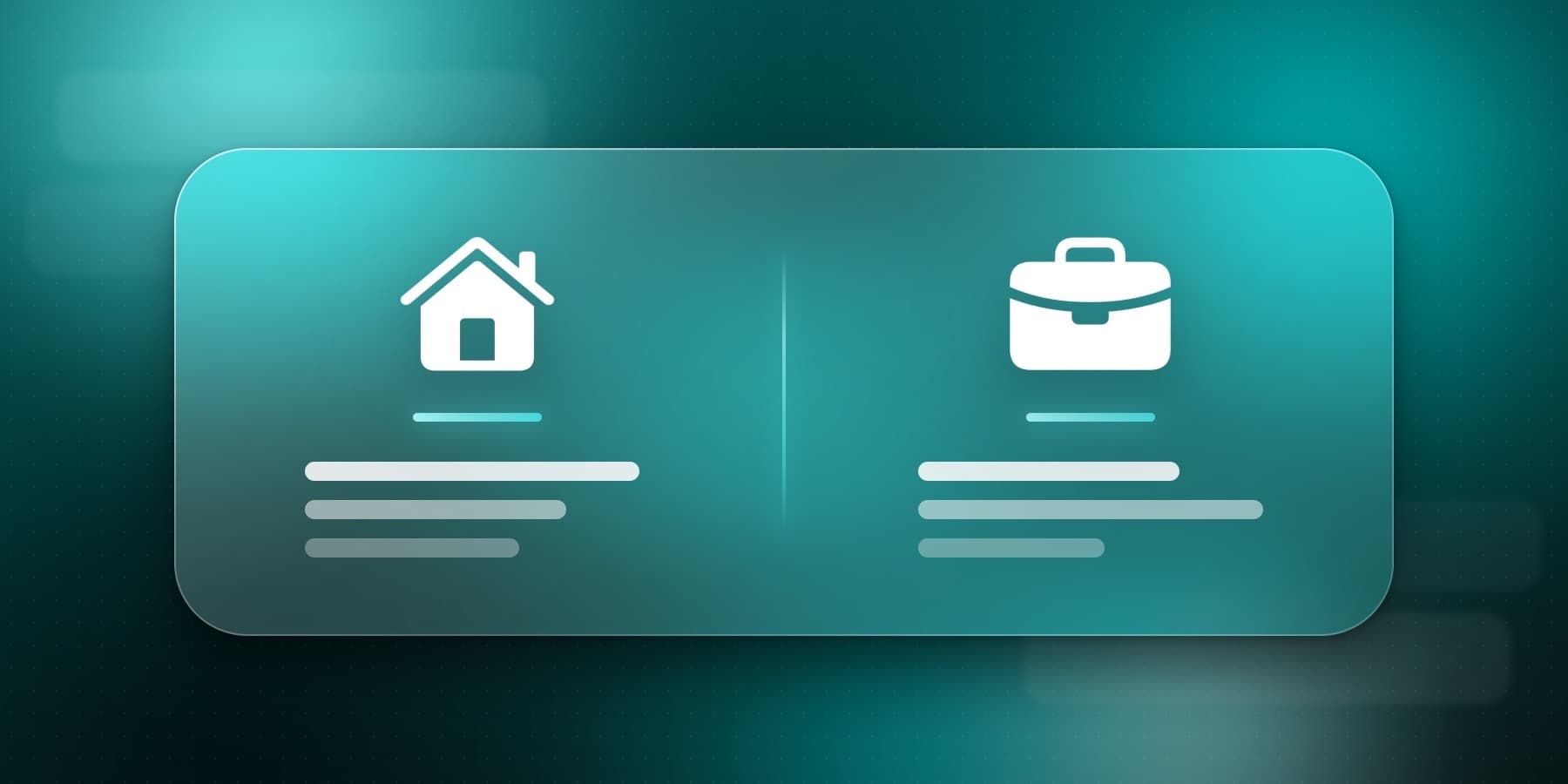
Made for Home and Business
Tell Itemlist how you use it, in onboarding or in Settings, and suggestions, tips, and reminders adapt to fit. Itemlist is used both at home and as a small business inventory app, and now it adapts to which one you are.
Made for Home and Business
Liquid Glass Design on iOS 26
On iOS 26, Itemlist adopts the new Liquid Glass design across the whole app, with a refreshed tab bar, search field, and add buttons. Earlier iOS versions keep the previous style.
More Improvements
- Undo moving an item. Moved an item to the wrong place? Tap Undo right after moving it.
- Skip adding photos. A new setting lets you skip the photo step when adding items and containers.
- Stability improvements. This update also fixes many bugs across the app, including better support for larger text sizes.
What's Next
The next updates are already planned: better import and export options, decluttering habits tracking, and QR codes support. I'm also working on web and Android versions of Itemlist.
One heads-up: updating from 2.0 may sign you out once. Sign back in and everything is where you left it.
If you're new here, Itemlist is a home inventory app for iPhone and iPad, free to start. The rollout is gradual, so your phone may not have updated on its own yet. Get Itemlist 2.1 on the App Store and enjoy the new features!
![Tons of Great Improvements [Itemlist App Update 2.0]](/_next/image/?url=%2Fstatic%2Fimages%2Fblog%2Fitemlist-2-0-update%2FItemlist-2.0-app-update.webp&w=3840&q=75&dpl=dpl_5HFLGXYqRmHvicnrc2TmxBJayAfN)
![Say Hello to Itemlist in German, French, and More! [Itemlist App Update 1.10]](/_next/image/?url=%2Fstatic%2Fimages%2Fblog%2Fitemlist-app-update-1-10%2Fapp_update_1_10_multiple_languages.webp&w=3840&q=75&dpl=dpl_5HFLGXYqRmHvicnrc2TmxBJayAfN)
![Biometric unlock, mark item as borrowed and filter search results [Itemlist App Update 1.9]](/_next/image/?url=%2Fstatic%2Fimages%2Fblog%2Fbiometric-unlock-and-more%2Fupdate_1_9_available.webp&w=3840&q=75&dpl=dpl_5HFLGXYqRmHvicnrc2TmxBJayAfN)
