Press kit
Itemlist press kit
Everything you need to cover Itemlist: verified facts, copy, App Store screenshots, and the app icon, with download links for every asset.
At a glance
The quick facts
4.7stars
US App Store, 204 ratings
21languages
from English to Chinese
sinceNov 2022
on the App Store
- App
- Itemlist, Home Inventory App
- Company
- Dabotech Studio d.o.o.
- Founder
- Damjan Dabo
- Pricing
- Free to start (100 items, 20 containers); PRO $29.99 per year or $59.99 lifetime
- Platforms
- iOS and iPadOS 17.5+
- Press contact
- support@getitemlist.app
About
Itemlist, Home Inventory App
Organize and keep track of your personal belongings. Find your items in seconds.
Itemlist is a home inventory app for iPhone and iPad, built as an indie app by founder Damjan Dabo under Dabotech Studio d.o.o. It has been on the App Store since Nov 8, 2022, and is currently at version 2.1. Mac, web, and Android versions are in the works.
Key features
What the app does
The five features marked 2.1 shipped in the current release.
Custom Organization
Create custom locations, rooms, and containers to categorize your items.
Location Sharing (PRO)
Share any location, home or office, and manage who can view or edit. Perfect for families, friends, and teams.
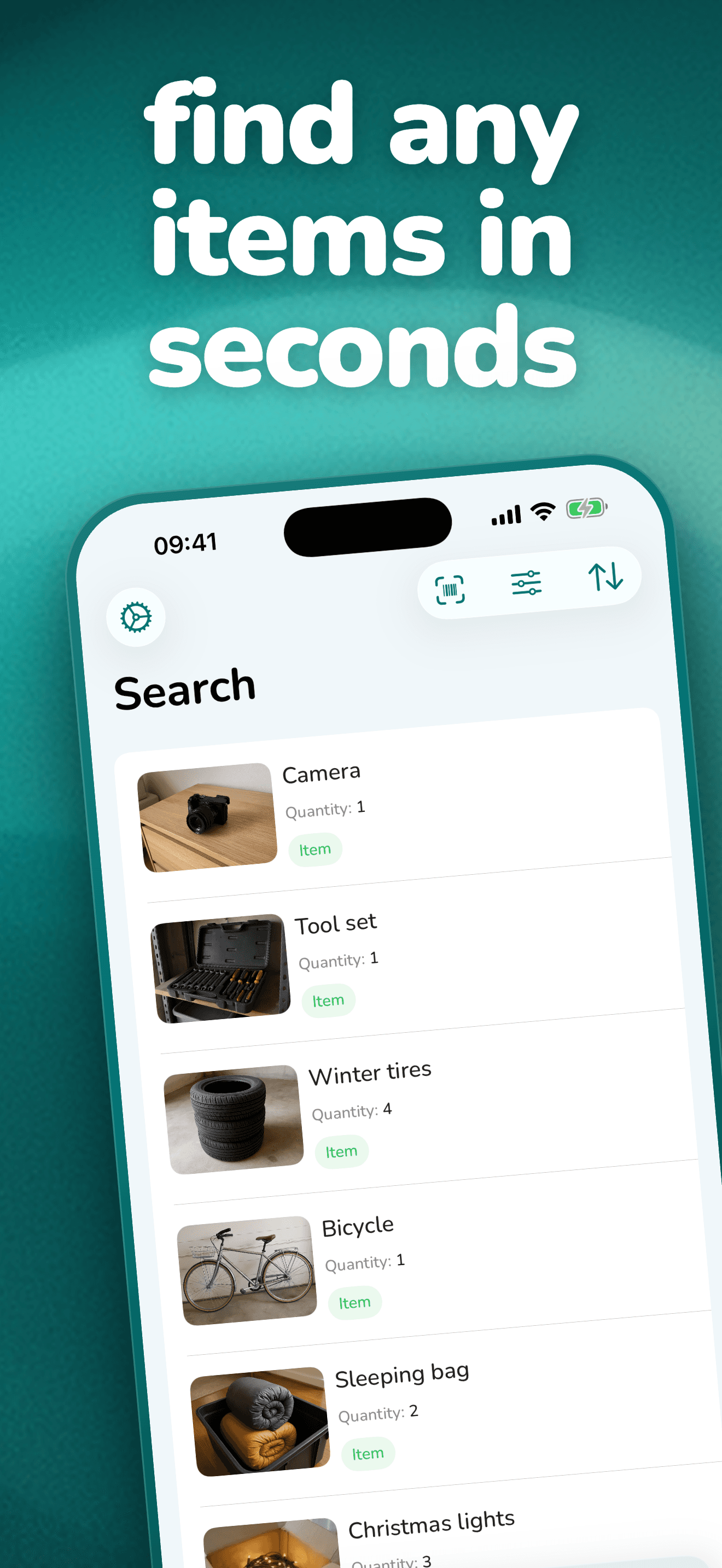
Powerful Search
Use a powerful search function to easily find anything in your inventory.
Cloud Storage
Data is securely stored on the cloud and synced across all of your devices.
Offline Access
The app works offline, ensuring your inventory is always accessible.
CSV Export
Export to CSV Spreadsheet file for insurance purposes.
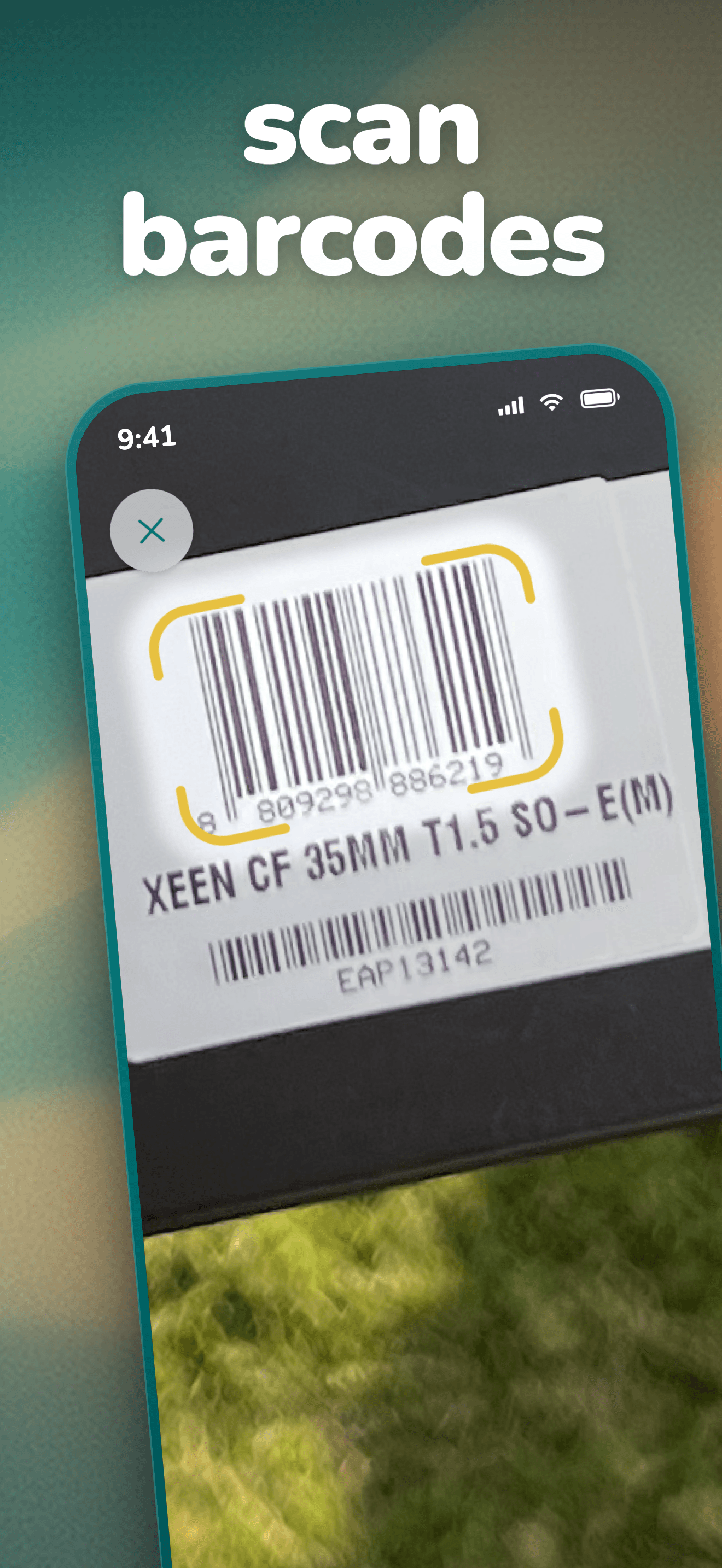
Barcode Scanner
Quickly search for items by their barcodes.
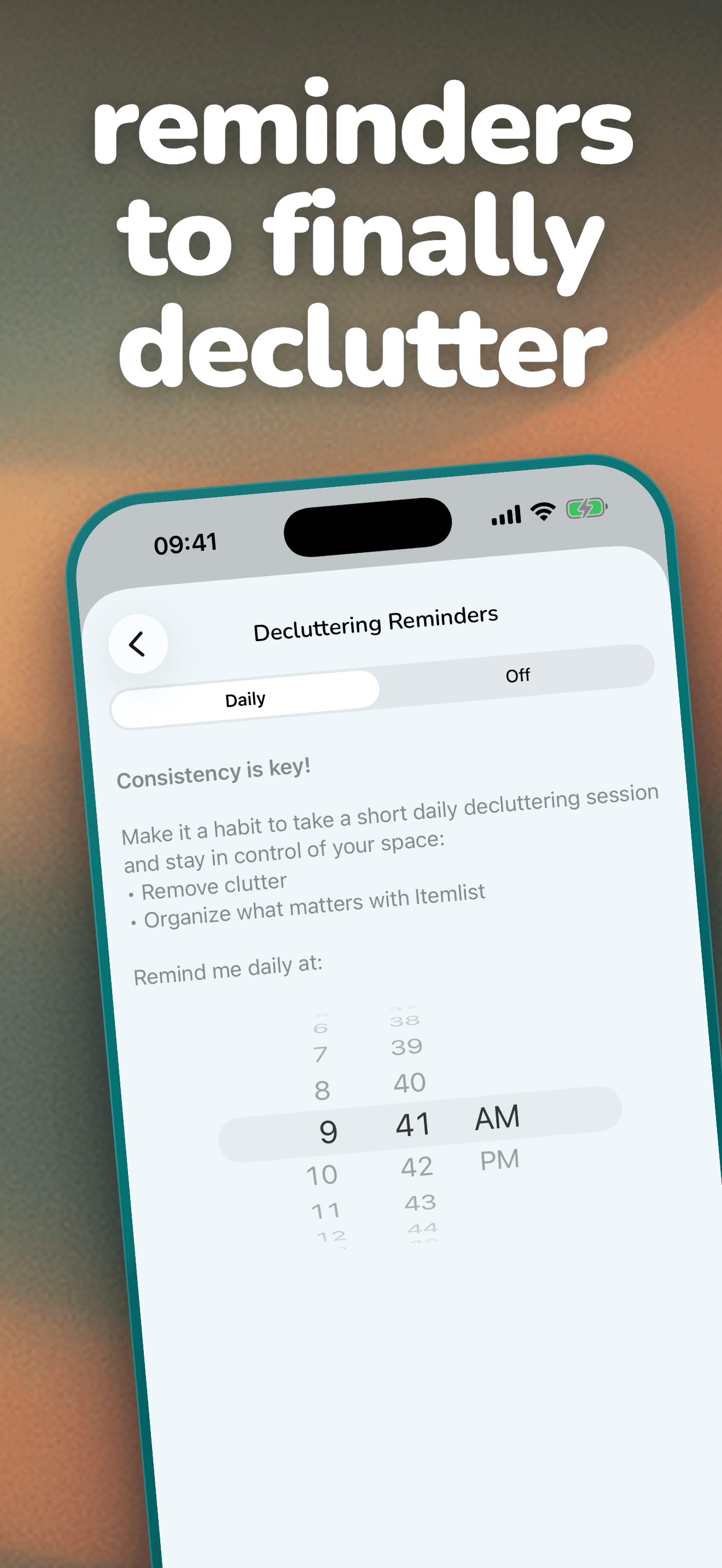
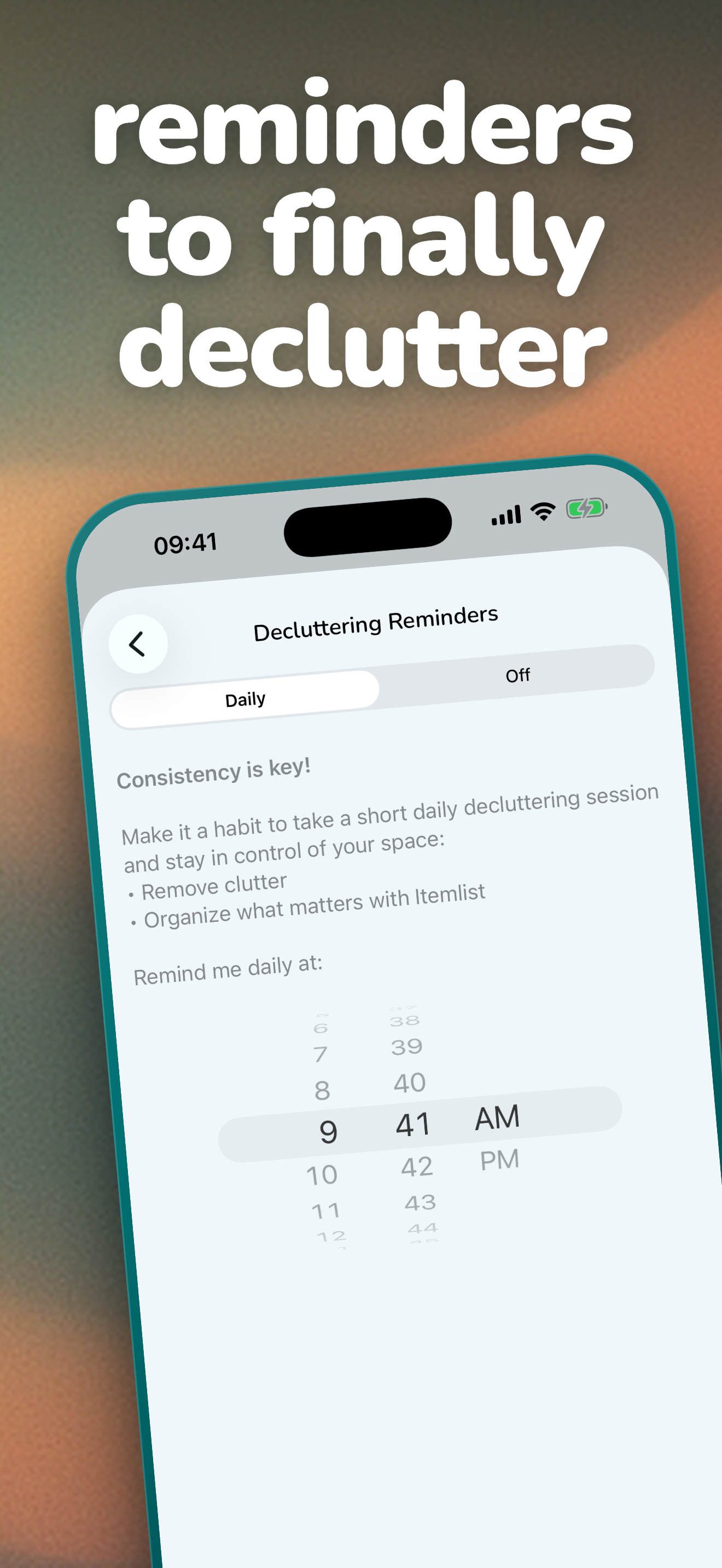
Decluttering RemindersNew in 2.1
A daily nudge to tidy one space at a time, so decluttering becomes a small daily habit.
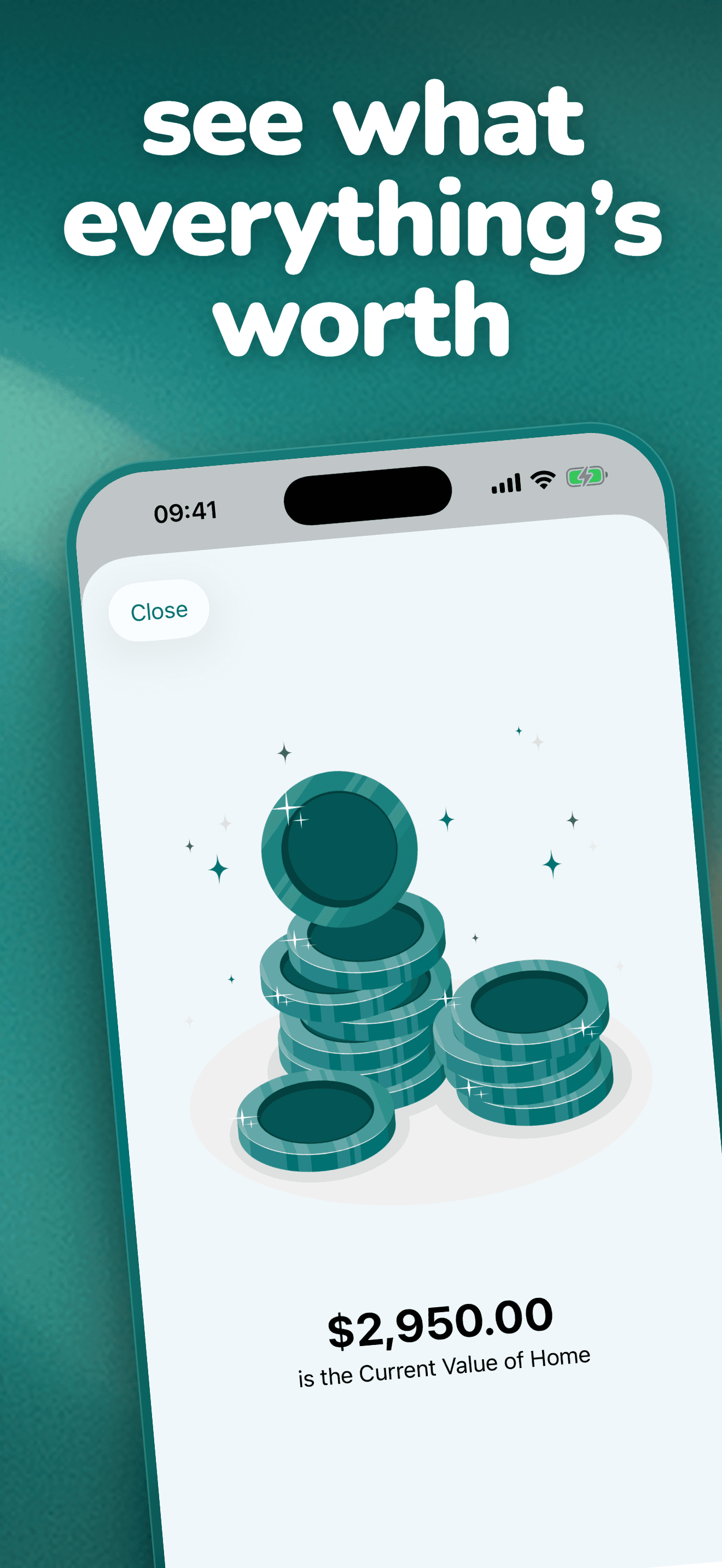
Value TotalsNew in 2.1
See the total value of any location or of your search results, so you know what your belongings are worth.
Full Screen CameraNew in 2.1
The camera preview fills the screen, with zoom presets for framing your shot.
Displaced Item Tracking (PRO)New in 2.1
Mark an item as displaced when it lives somewhere else for a while, so you always know where it actually is.
Home and Business ModesNew in 2.1
Tell Itemlist how you use it, and its suggestions, tips, and reminders adapt.
Audience
Who is this app for?
Itemlist is for anyone looking to have better control and oversight of their personal belongings. It is especially useful for:
Families or Housemates
Wanting to manage shared spaces or items collaboratively.
Small Business Teams
Needing to keep track of supplies and assets.
People with Forgetfulness
Such as those with ADHD, dementia, or Alzheimer's, who frequently misplace items.
Hobbyists and Seasonal Users
Who want to track seasonal items and items for different hobbies.
Insurance Policy Holders
People with home contents insurance who want a record of their possessions.
Older Individuals and Heritage Planners
Those preparing for heritage, enabling them to organize and share their items with family members or caregivers.
Pricing
Free to start, PRO to grow
Itemlist is free to download and try out. Free tier allows you to add up to 100 items and 20 containers. Upgrading to Itemlist PRO unlocks an unlimited number of items and containers, plus access to location sharing feature.
Itemlist PRO is available as: $29.99 per year (with a 1-week free trial) / $59.99 lifetime.
Itemlist PRO, yearly
$29.99 per year
With a 1-week free trial.
Itemlist PRO, lifetime
$59.99 lifetime
Fact sheet
Verified numbers
- US App Store rating
- 4.7 stars, from 204 ratings on the US App Store
- Supported platforms
- iOS and iPadOS 17.5+
- First released
- Nov 8, 2022
- Current version
- 2.1
- Languages
- 21
- Free tier
- Free to download and try out, up to 100 items and 20 containers
- In the works
- Mac, web, and Android versions (roadmap, not released)
Languages
Available in 21 languages
- English
- German
- French
- Spanish
- Italian
- Dutch
- Portuguese
- Croatian
- Slovak
- Polish
- Hungarian
- Danish
- Swedish
- Norwegian
- Russian
- Ukrainian
- Turkish
- Japanese
- Korean
- Thai
- Chinese (Simplified and Traditional)
Screenshots
App Store screenshots
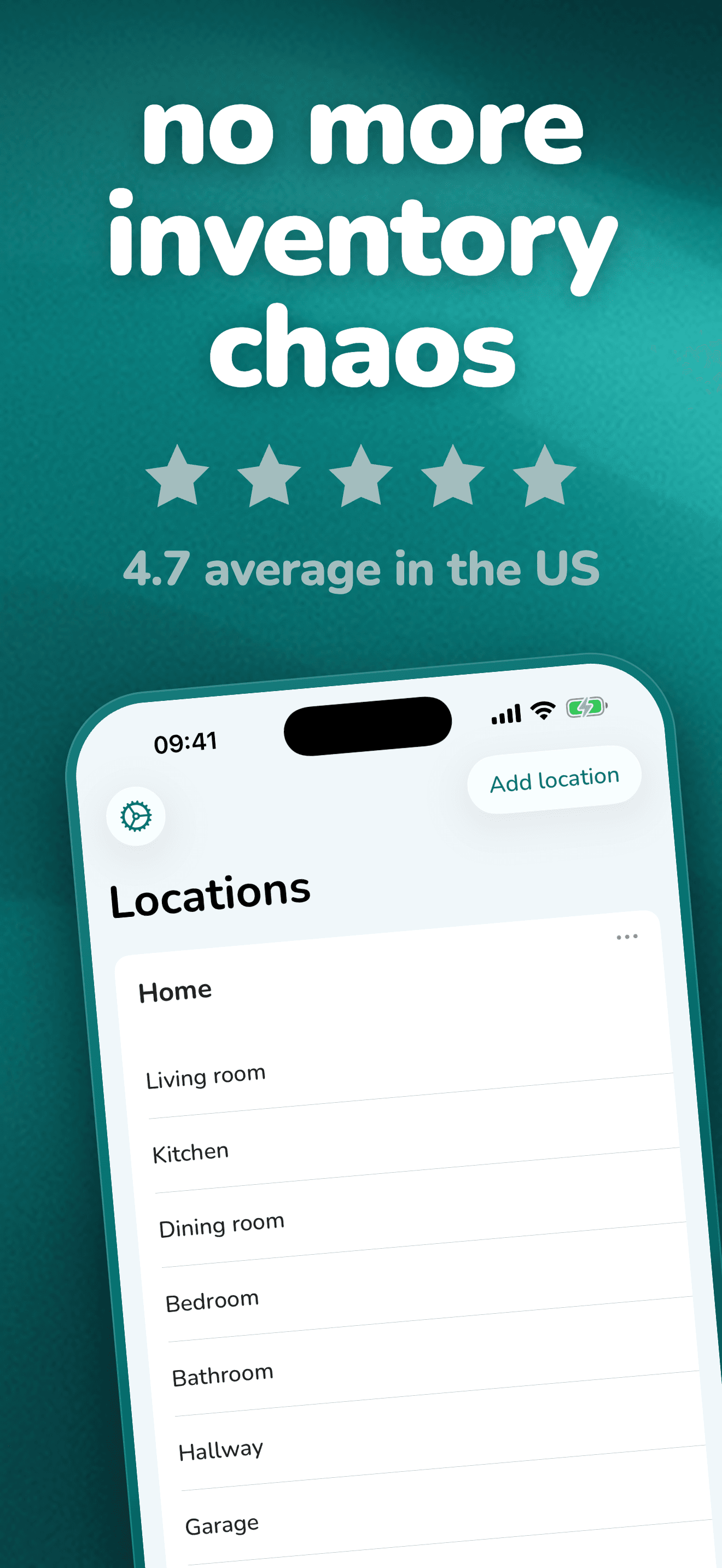
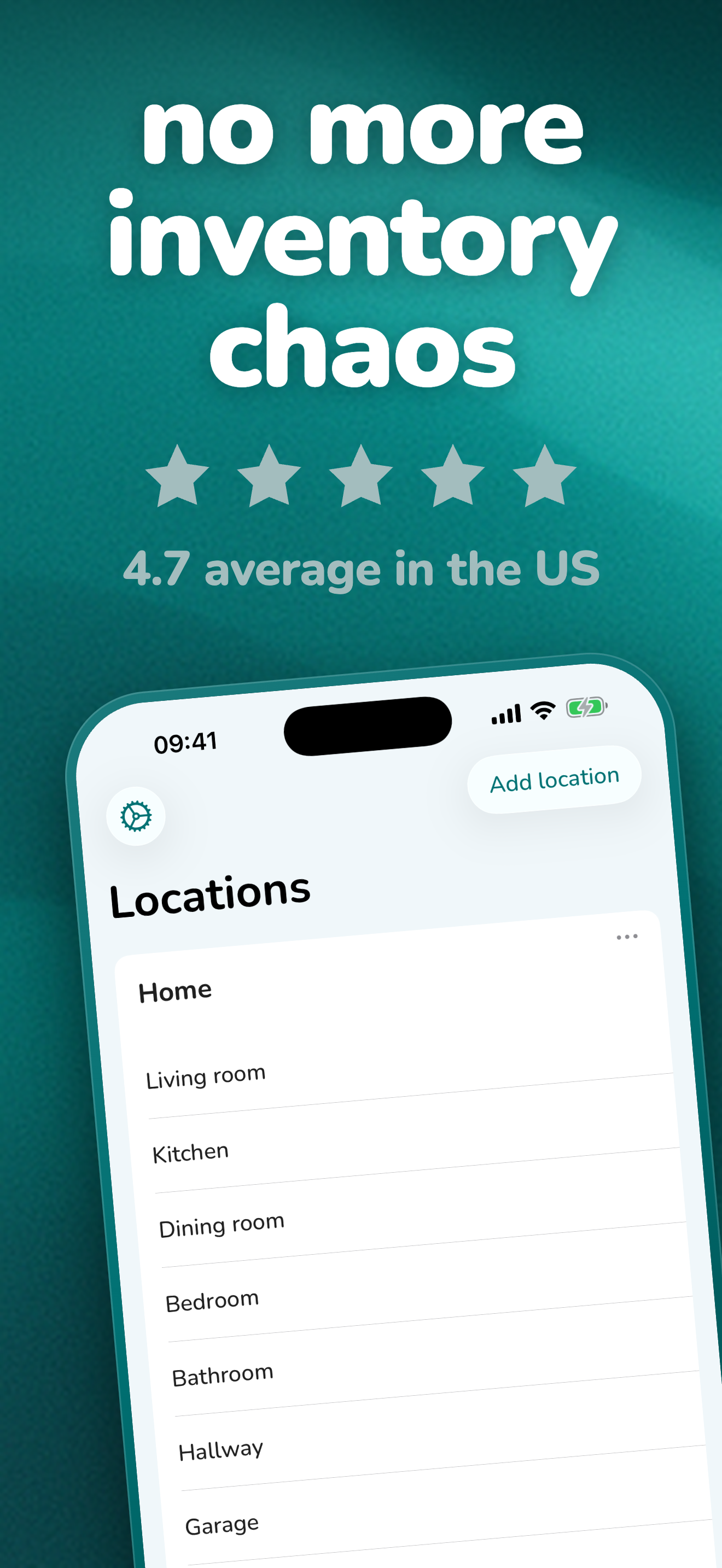
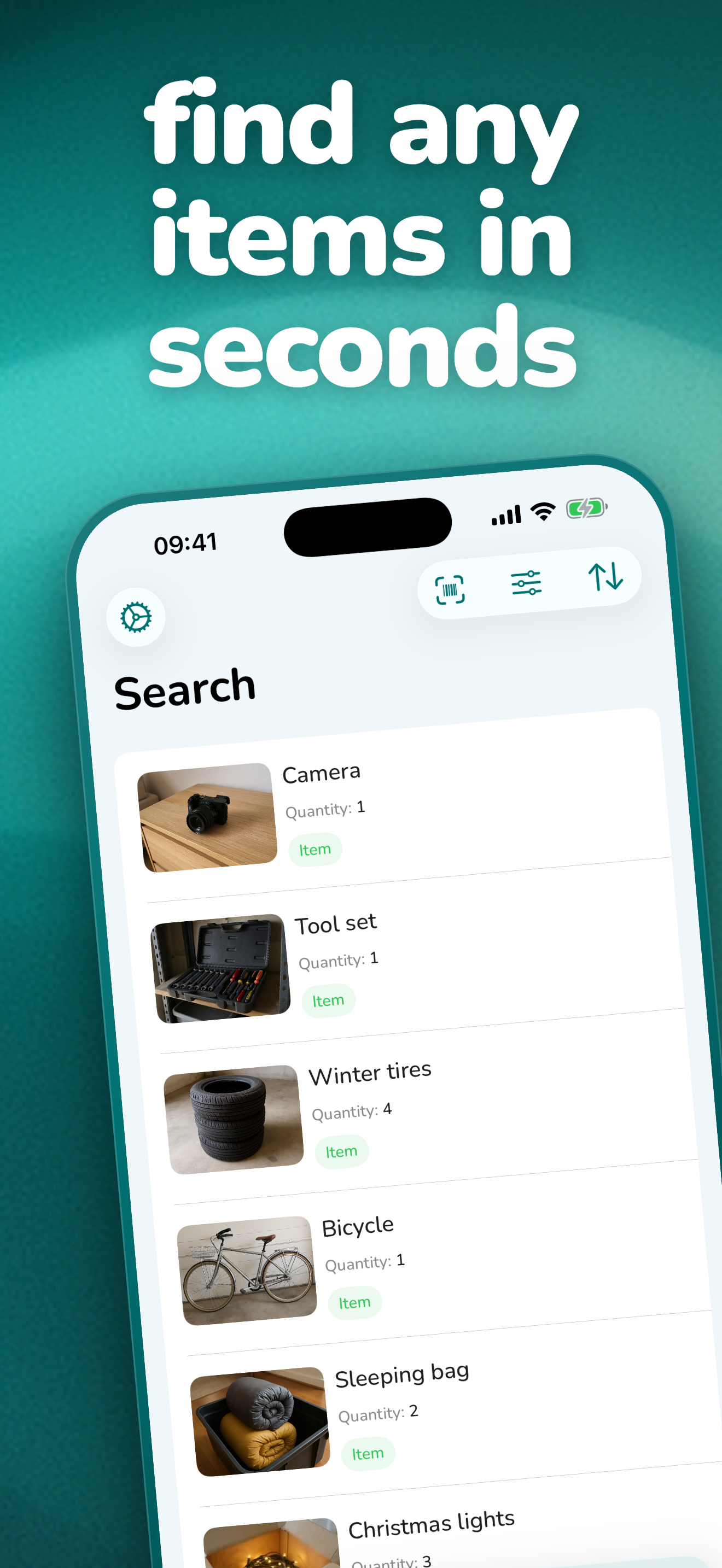
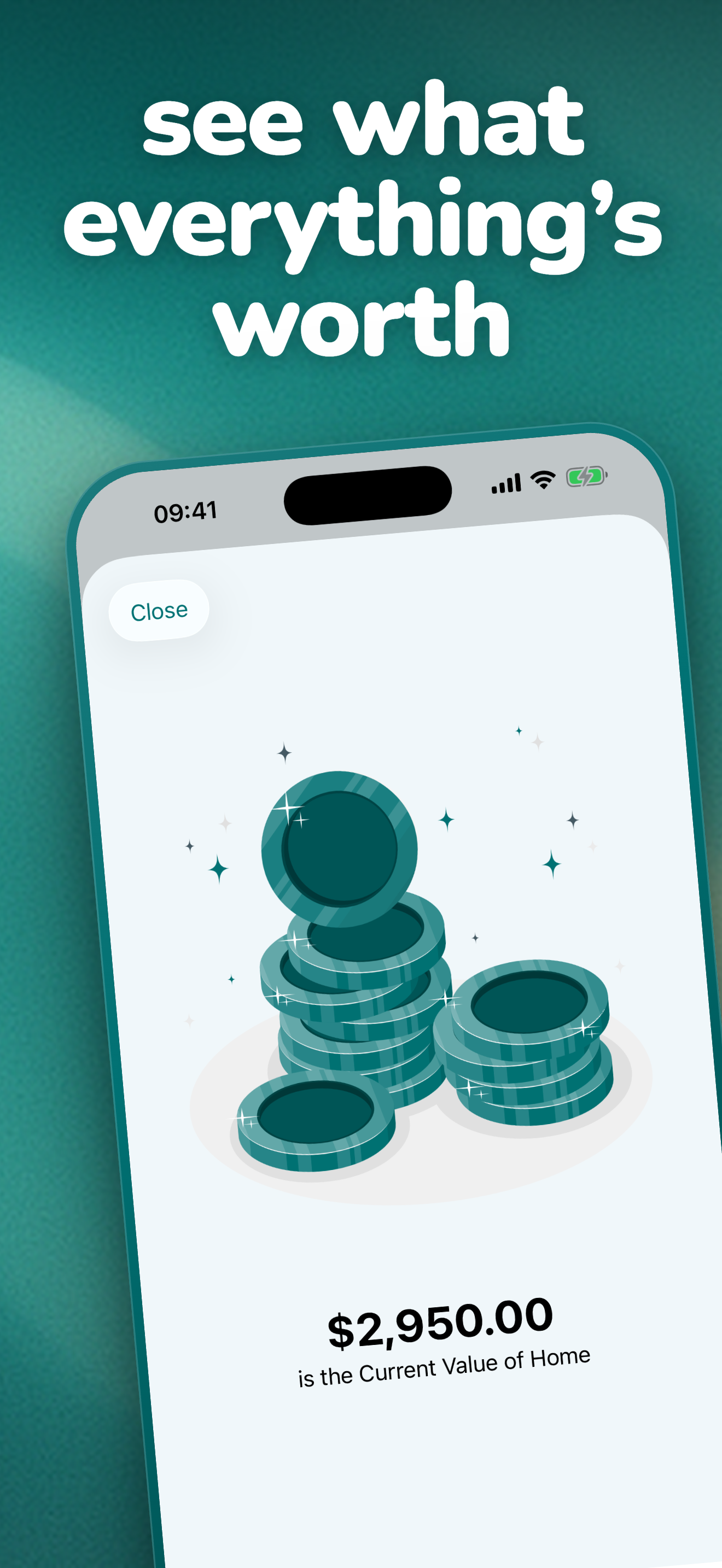
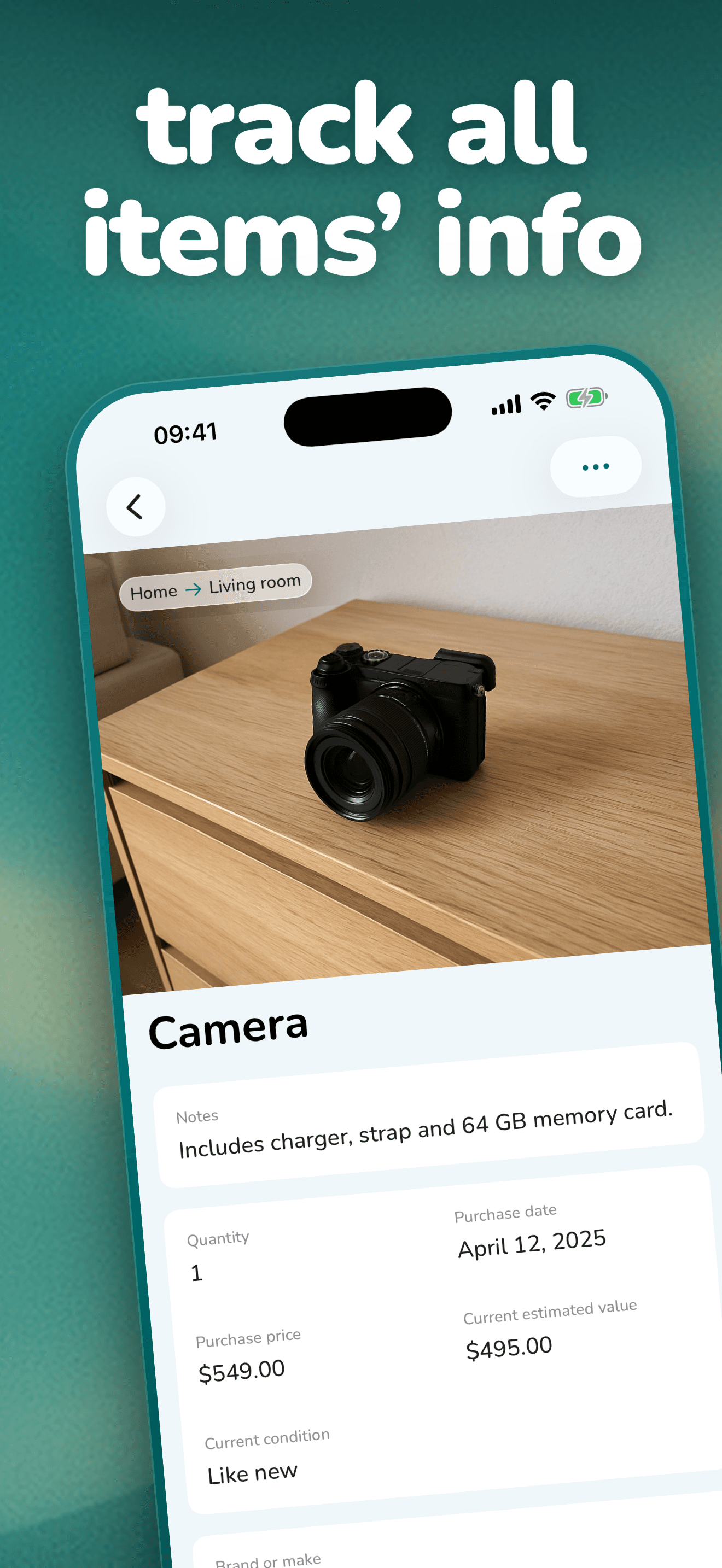
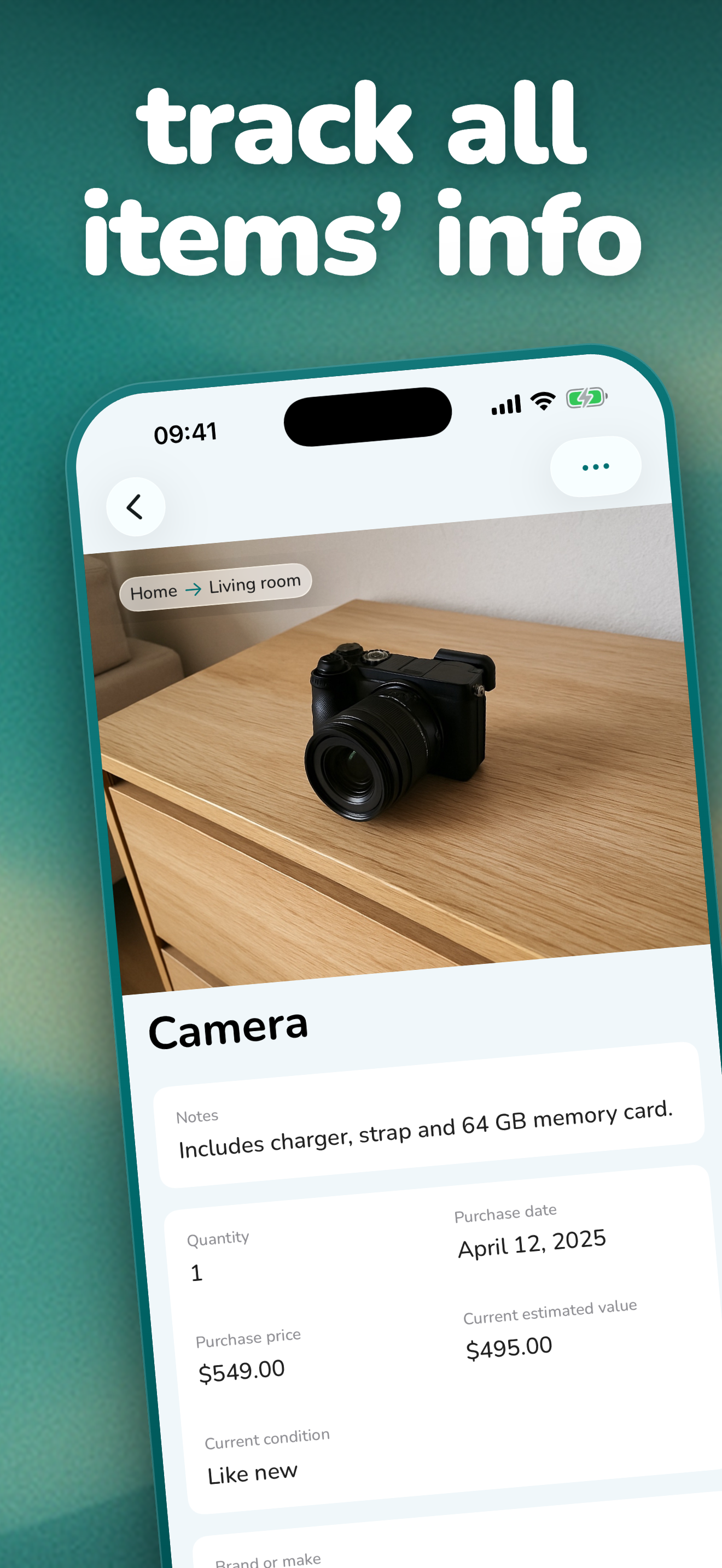
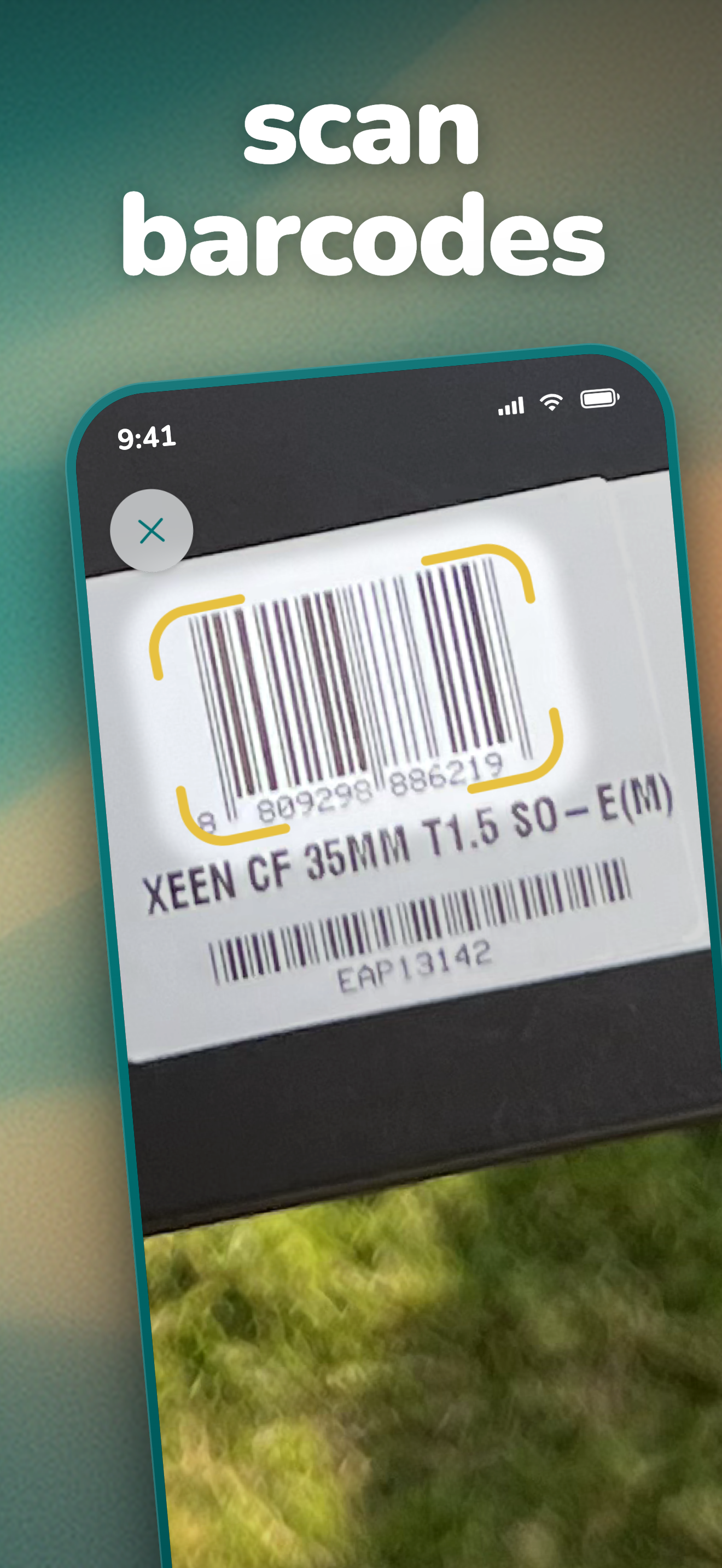
The current 2.1 iPhone set from the US App Store, 1320 x 2868 PNG. Each download link points at the full-resolution file.
App icon
The Itemlist icon

The App Store icon as a 1024 x 1024 PNG, the highest resolution we ship.
Download icon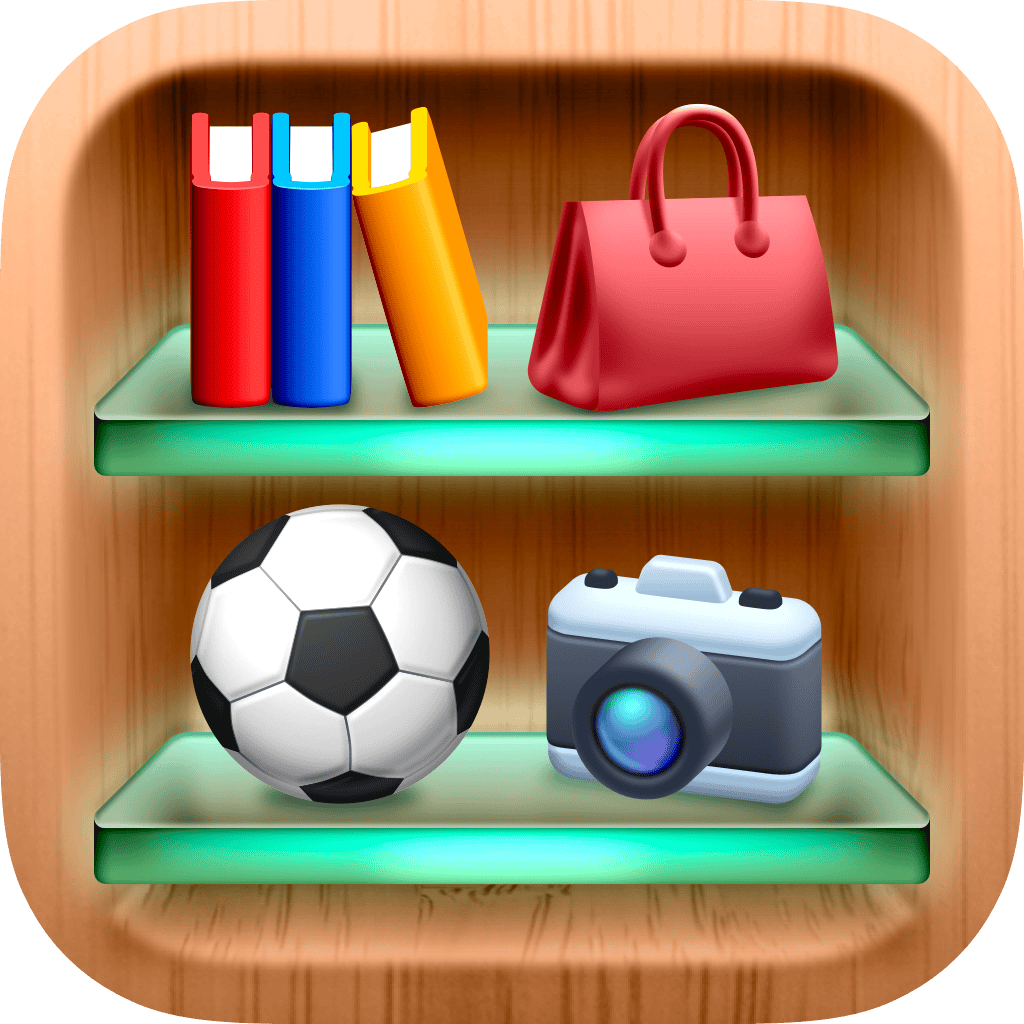
Links
Where to find Itemlist
Contact
Press contact
For interviews, additional assets, or anything this page does not answer, write to us.