The 7 Best Moving Apps for Packing, Tracking Boxes and Booking Help

Contents·15
The best moving apps in 2026 are OfferUp for selling what you won't take with you, Itemlist for knowing what's in every box, magicplan for checking your furniture fits, U-Haul for the truck, Lugg for the muscle, Taskrabbit for the help, and Updater for the address-change slog. One app per stage of the move, and I verified every single one on the App Store in August 2026.
That verification matters more than it sounds. Several popular "best moving apps" lists still recommend Unpakt, which is gone from the App Store, and Dolly, which doesn't exist under that name anymore. Every app below is live on the store today and described from its current listing, not from a 2022 blog post someone keeps re-publishing.
| App | Stage of the move | US rating | Price |
|---|---|---|---|
| OfferUp | Selling what stays behind | 4.8 | Free for local sales |
| Itemlist | Box and home inventory | 4.7 | Free to start; PRO $29.99/yr or $59.99 lifetime |
| magicplan | Measuring the new place | 4.7 | Free to try |
| U-Haul | Truck and trailer rental | 4.5 | Free app, pay for the rental |
| Lugg | On-demand movers with a truck | 4.9 | Free app, pay per move |
| Taskrabbit | Packing and assembly help | 4.7 | Free app, taskers set rates |
| Updater | Address changes and utilities | 4.9 | Free, invite via your property or mover |
In a survey of 1,000 Americans who moved in 2024, 82% called the process stressful and 42% said it brought them to tears. Packing specifically was voted the most time-consuming part of the whole move, by 43%. My wife and I moved from Munich back to Croatia in October 2025, a whole apartment across a border, and the thing that stuck with me is that moving is really two problems, and only one of them is carrying things. An app won't lift a box itself, but two of these will send people who do. The rest of the list handles the other problem.
Sell what you're not moving: OfferUp
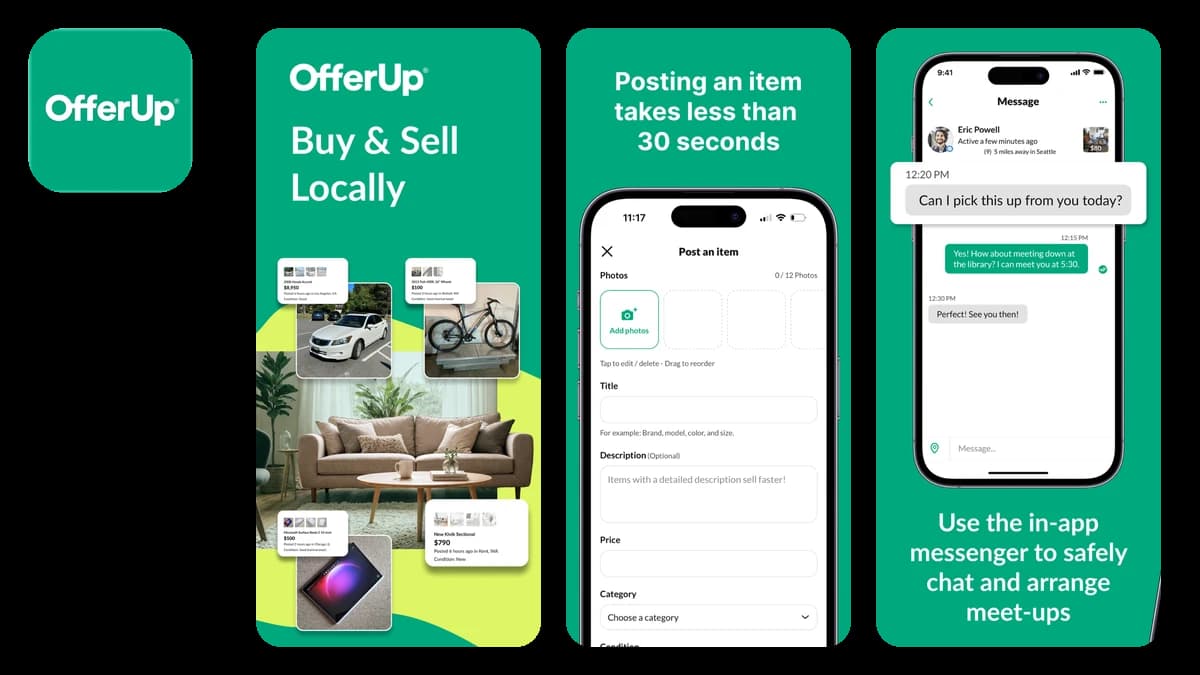
OfferUp local buy and sell marketplace
The cheapest thing to move is the thing you don't. Before a single box gets taped, OfferUp turns the furniture and gadgets that aren't making the trip into cash. Snap photos, set a price, and local buyers come to you, which for bulky items beats shipping every time.
It's also, by a factor of twenty, the most-reviewed app on this list: 4.4 million App Store ratings. Whatever town you're leaving, the buyers are already on it.
Benefits:
- List an item in a few minutes with photos taken straight from your phone.
- Local pickup means the buyer handles transport, exactly what you want for a couch.
- In-app messaging keeps negotiation off your personal number.
- The stuff that doesn't sell becomes an easy donation run (Lugg, below, does those too).
US store rating: 4.8
Price: Free for local sales, with monthly caps on free listings per category
If deciding what stays and what goes is the hard part, I wrote a guide on how to decide what to keep and a full declutter checklist that both apply doubly before a move.
Know what's in every box: Itemlist
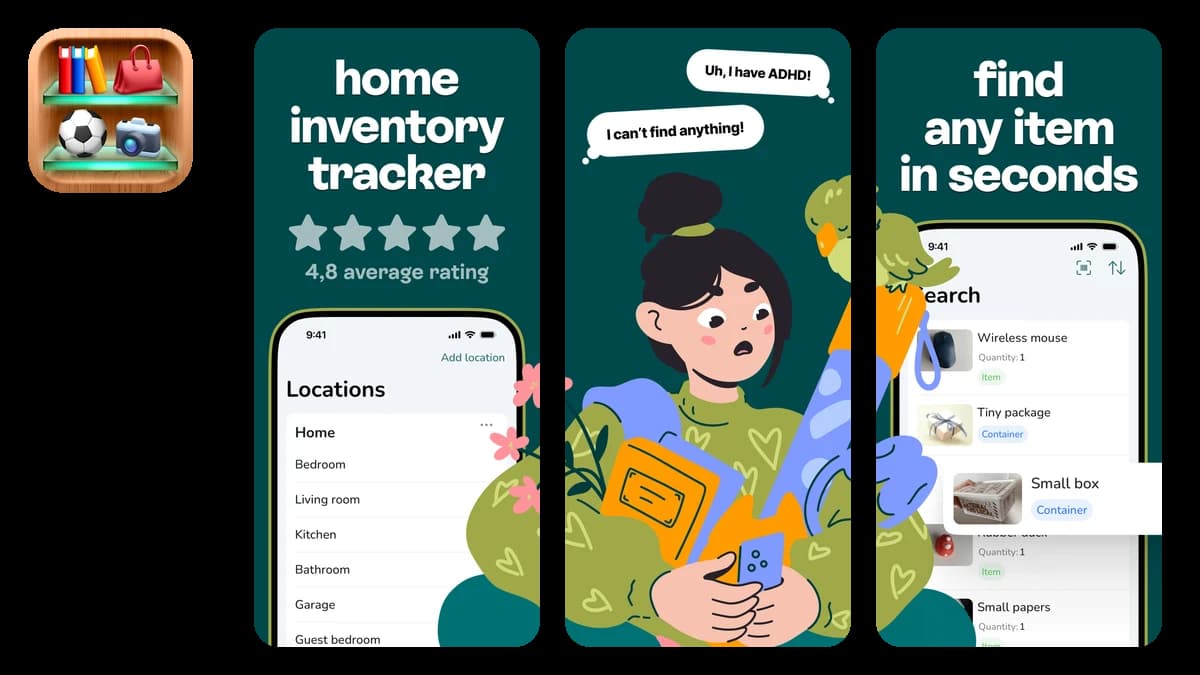
Itemlist box and home inventory app
Full disclosure: Itemlist is my app, and moving is one of the jobs I built it for. Each moving box becomes a container in the app: number the box, photograph what goes in, and when you need the coffee machine on day two, search "coffee" and the app answers with the box number. No lids come off until the right one.
The full case for using it as your best moving app has its own page. The quiet bonus: after you unpack, the same record is a finished home inventory for insurance. Most people never document their belongings; movers of all people should, since you're handing everything you own to strangers in a truck. Recording serial numbers of your valuables before the crew arrives is worth the twenty minutes it takes.
Benefits:
- Organize boxes as containers inside rooms and locations, nested the way your move actually works.
- Add photos, barcodes, and descriptions, then search for anything later.
- Share the inventory with your household so everyone can find things, not just the person who packed.
- Works offline. Garages, basements, and moving trucks rarely have signal.
- Export everything to CSV for the insurance file when you're done.
US store rating: 4.7
Price: Free to start (100 items, 20 containers) / $29.99 per year or $59.99 lifetime for PRO, with a 1-week free trial
magicplan, the moving app for measuring the new place
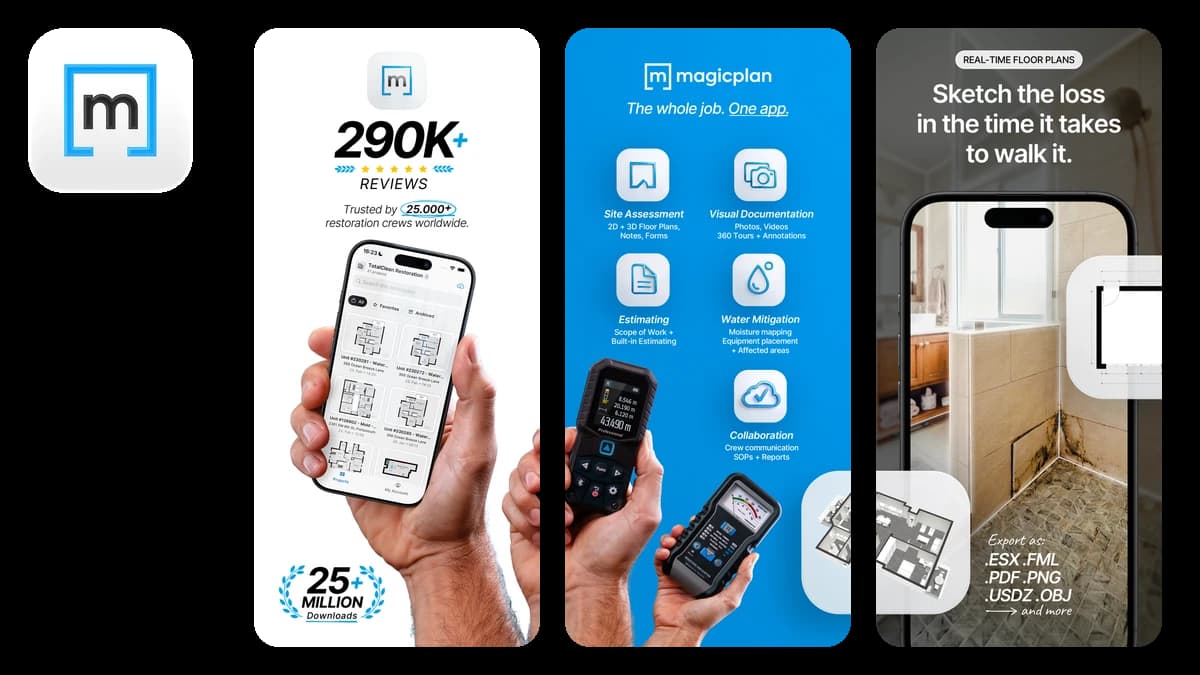
magicplan camera-based floor plans
magicplan mostly sells to contractors and insurance pros these days, but the core feature is moving gold: point your iPhone camera around a room and get a floor plan with real measurements. Scan the new place during a viewing, and you'll know before the truck arrives whether the wardrobe clears the ceiling.
Benefits:
- Build a measured floor plan of the new home from your phone camera alone, no tape measure or extra hardware.
- Attach photos and notes to rooms, handy for meter readings and pre-move damage records.
- Plan furniture placement on the plan before the couch is on the stairs.
US store rating: 4.7
Price: Free to try; subscription plans for more projects
Book the truck: U-Haul
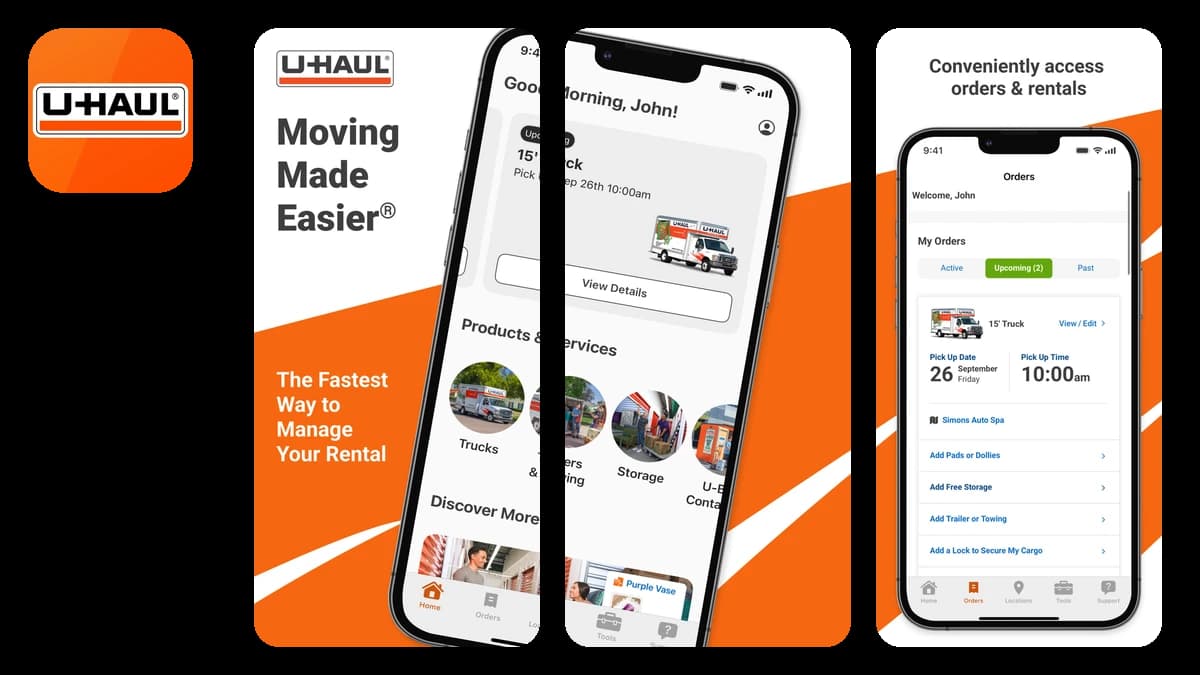
U-Haul rental and moving services app
The U-Haul app reserves the truck or trailer, manages the rental, and handles pickup and return from the phone, so an 8am start doesn't wait on a counter opening. It has over 217,000 ratings, the most of any dedicated moving service here, from a company that has seen your exact move before.
Benefits:
- Reserve trucks and trailers, and buy boxes and packing supplies, from your phone.
- Self-service pickup and return, so an early start doesn't depend on office hours.
- Manage storage units and moving-help bookings in the same account.
US store rating: 4.5
Price: Free app; you pay for the rental
One reason to book equipment and labor through apps with upfront pricing: moving fraud is real. The FMCSA logged more than 5,900 moving fraud complaints in 2018, and 57% of those complaints involved overcharges.
Lugg sends a truck and two movers, same day
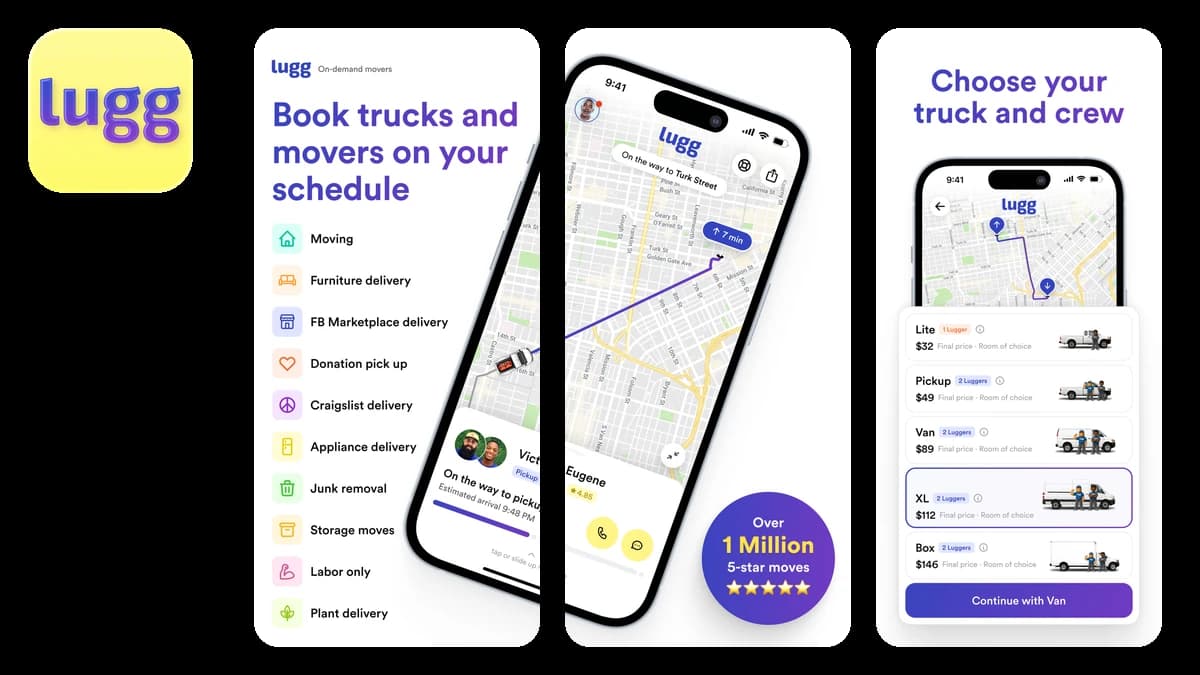
Lugg on-demand movers with a truck
Lugg gets you a vetted crew on short notice, typically a truck and two movers, with labor-only bookings if you already have the vehicle. You see an upfront estimate before you book, and the final charge tracks actual labor time. It's built for the small-to-medium jobs that full moving companies overquote: studio moves, storage runs, the marketplace couch you just bought, donation drop-offs.
Benefits:
- Upfront estimate before you book, no quote calls.
- Crews available same-day, with live tracking while they drive.
- Covers moves, store and marketplace pickups, storage, donations, and junk removal.
- Tied with Updater for the best rating here at 4.9, but from about 45,000 ratings to Updater's 6,500.
US store rating: 4.9
Price: Free app; you pay per move
Get help packing and assembling: Taskrabbit
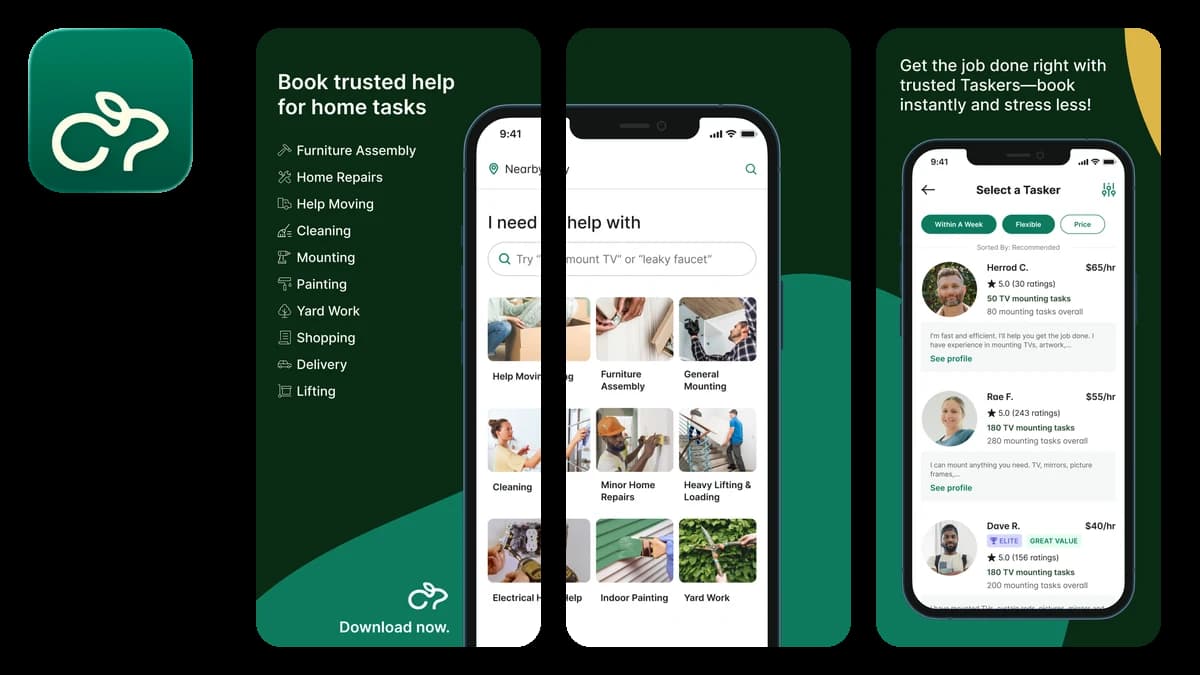
Taskrabbit app for hiring local help
Taskrabbit covers what a moving crew won't: packing help before the truck comes, mounting the TV, and the IKEA-assembly marathon at the far end. You browse local taskers with hourly rates and reviews, pick one, and schedule. If you're packing alone, a few hours of experienced help is where I'd spend the money.
Where Lugg is a booked job with a crew, Taskrabbit is open-ended labor by the hour, and rates vary a lot between taskers for the same task. The reviews are the filter; read them.
Benefits:
- Compare taskers by reviews and hourly rate before anyone enters your home.
- Book packing, moving help, cleaning, and furniture assembly in one app.
- Same-day availability for the "the truck comes tomorrow" panic.
US store rating: 4.7
Price: Free app; taskers set hourly rates
Updater handles the mail, utilities, and address changes
Updater address change and utilities app
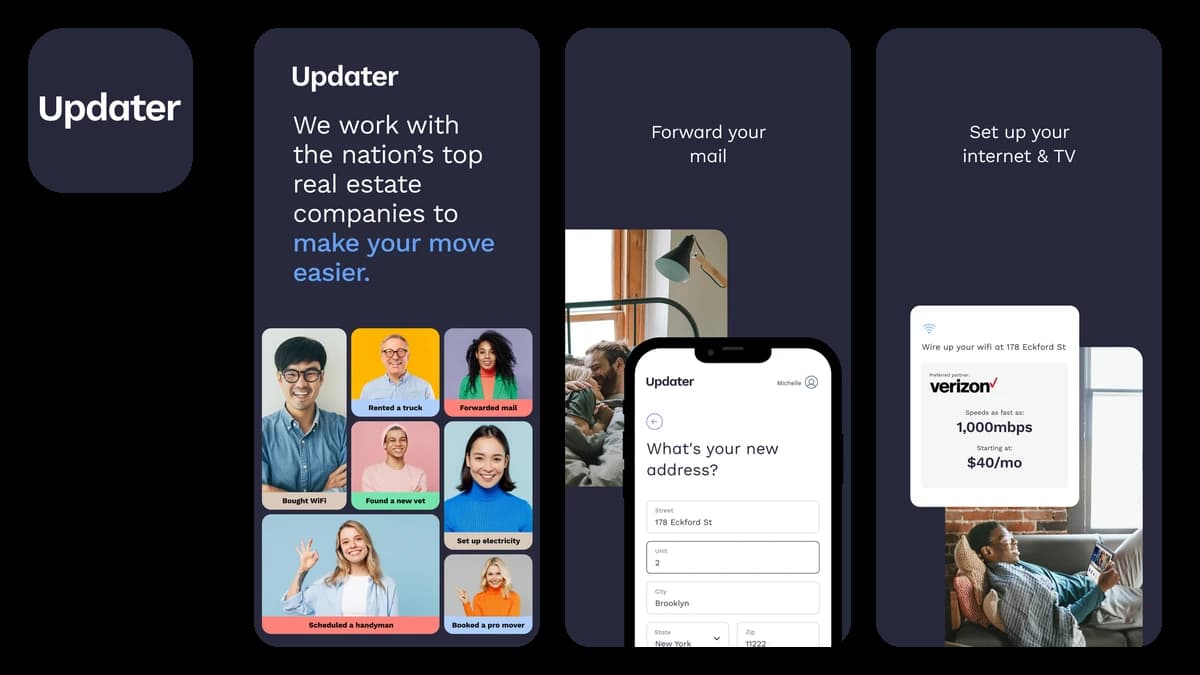
The move isn't over when the boxes are in. Updater collects the boring aftermath into one checklist: forward your mail, update your address across accounts, transfer or set up utilities, and compare internet plans at the new address. One honest catch: Updater is invite-only. Your property management company, agent, or mover has to hand you access, so check whether yours partners with it before you plan around it.
Benefits:
- Mail forwarding, address updates, and voter registration handled from one checklist.
- Set up water, gas, and electric before you arrive, so nothing's off on night one.
- Compare internet and TV providers available at the new address.
US store rating: 4.9
Price: Free, with access through a partnered property or mover
The moving apps I left out on purpose
I checked the apps that other "best moving apps" lists recommend against the live App Store in August 2026, and four of the usual names didn't make the cut: Unpakt and Dolly failed the existence check, MoveAdvisor failed the rating check, and Sortly is a different kind of product than those lists imply. The details:
- Unpakt appears on several current roundups. It's not on the App Store anymore. If a list still sends you there, that list hasn't been checked in a while.
- Dolly doesn't exist under that name. The app is now called Taskrabbit Delivery, same developer, new brand, and any list still recommending "Dolly" is running on old research.
- MoveAdvisor, a fixture of these lists for years, sits at 3.3 stars on the App Store while every app I do recommend rates 4.5 or better. Plenty of good moving apps exist, so a mediocre one doesn't need to be on your phone during the most stressful week of your year.
- Sortly is the most-recommended "moving inventory" app on the internet, and it's genuinely good software, but it's business inventory software, built and priced for warehouses and job sites rather than a one-time house move. If you're choosing between it and a consumer app for moving, I wrote an honest Itemlist vs Sortly comparison.
Which moving apps do you actually need?
Not all seven, usually. A studio move across town is OfferUp, Itemlist, and Lugg. A full household move is the whole list, in the order the sections appear: sell, pack with an inventory, measure the new place, book the truck, book the muscle, book the packing help, and let Updater mop up the admin.
None of the best moving apps make moving fun. They cut the part where you open six boxes looking for the kettle.
If you only install one, make it the box inventory. It's the pick that keeps working after the move is over, once the packed-box record has become your home inventory. Itemlist is free to start, 100 items and 20 boxes, which is enough to know whether it earns a place in your move by box five.
For more small-but-excellent app picks, my roundup of the best organization apps for iPhone follows the same rule: every app verified, no zombie recommendations.
FAQ
Is there an app to keep track of moving boxes?
Yes. A box inventory app like Itemlist treats each box as a container: you number the box, photograph or list what goes inside, and later search the app instead of opening boxes. It beats a spreadsheet once you pass about ten boxes.
What's the best way to label moving boxes?
Number every box and write only the number and destination room on it. Keep the contents list in an inventory app, not on the cardboard. It's faster to write, it's searchable later, and it doesn't advertise "kitchen electronics" to everyone who walks past the truck.
How much does it cost to hire movers?
In a survey of 1,000 Americans who moved in 2024, a local move averaged $1,666 and a long-distance move $3,291, with professional movers averaging $2,907 against $1,334 for DIY. Hybrid setups, renting a truck and hiring labor separately, land in between.
Do moving apps work offline?
Not all do, and packing happens in exactly the places with no signal: garages, basements, storage units, moving trucks. Check before you rely on one. Itemlist works offline and syncs when you're back online, which is a hard requirement I'd apply to any box inventory app.
When should I start using moving apps?
Selling on OfferUp works best 4 to 6 weeks out, since local sales take time. Start the box inventory the day the first box gets packed. Book Lugg or Taskrabbit at least a few days ahead for weekend slots, and start Updater's checklist about two weeks before moving day.